Apple Vision Pro and the spatial computing opportunity
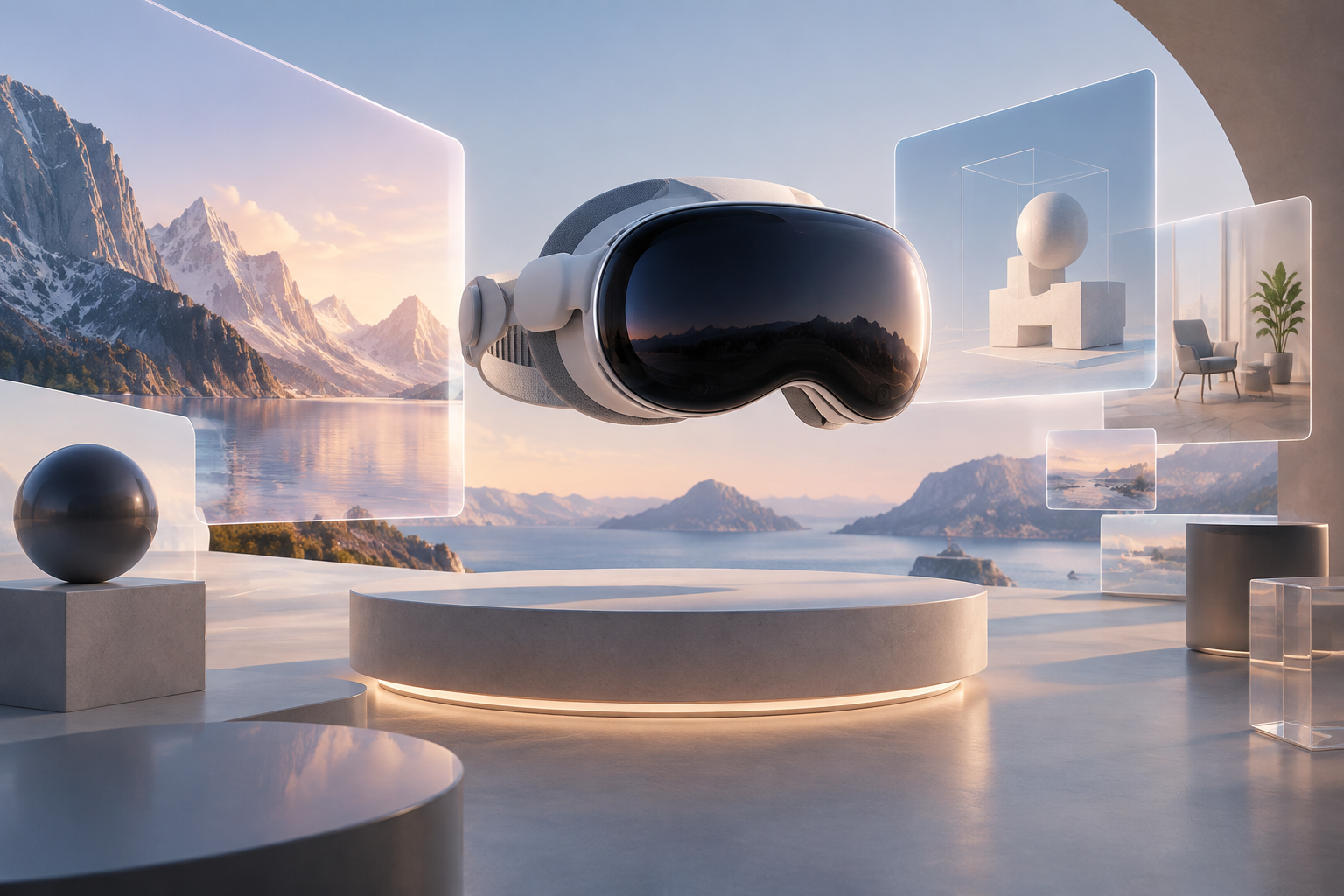
Apple Vision Pro and the spatial computing opportunity
By Marco Lopes · Published June 20, 2023 · Topic: Design, 3D & XR
Apple’s announcement of Vision Pro at WWDC gives us a useful moment to reassess what digital products can become when they are no longer confined to rectangles. We have seen ambitious promises around virtual and augmented reality before. What interests us now is not another prediction that headsets will replace every screen, but the opportunity to design software around space, scale and physical context.
At Kordspace, we work as a remote collaborative studio across software, AI, Web3, hardware and design. Spatial computing sits at the intersection of those disciplines. It asks us to consider interfaces, environments, infrastructure and human behaviour together.
Our starting point is practical: where does placing information in space make a task meaningfully better, and how can we test that before committing to a large build?
What Apple has announced, and what remains uncertain
Vision Pro is Apple’s newly announced headset, running visionOS and using eyes, hands and voice as primary inputs. Apple has described a system that blends digital content with a view of the surrounding world, alongside more immersive experiences controlled through the Digital Crown.
The announced starting price is $3,499, with availability planned for early next year in the United States. That puts important limits on near-term product assumptions. We should not plan as though a broad consumer audience already owns the hardware.
We also need to distinguish announcements from hands-on evidence. As of today, Apple’s developer tools for visionOS are still forthcoming. We can study the announced interaction model and prepare concepts, but comfort, usability and performance decisions will need validation with the actual tools and hardware.
Start with a spatial advantage, not a headset feature
Our first question is whether a proposed experience has a genuine spatial advantage. A dashboard floating in front of someone may be interesting, but it is not automatically better than a dashboard on a laptop.
Stronger opportunities involve relationships that are difficult to understand on a flat display: the clearance around a machine, the proportions of a room, the assembly order of a component or the depth relationships in a complex model.
We can frame an initial hypothesis simply: “Seeing this information at the right scale and position will help someone complete this task with less uncertainty.”
That sentence gives us something to test. If the task remains easier with a photograph, a video or a conventional interface, we should use those instead. Spatial computing earns its place through utility, not novelty.
Choose a narrow first workflow
For an initial project, we would favour a focused workflow over a virtual headquarters or an all-purpose immersive platform. A contained task makes it easier to assess value and identify what the headset actually contributes.
A few promising directions include:
- Design review: inspecting a product model at full scale and discussing specific surfaces or components.
- Training: rehearsing an equipment sequence without needing the physical equipment for every session.
- Configuration: comparing finishes, dimensions or arrangements while preserving a clear sense of proportion.
- Planning: evaluating how objects fit within a proposed environment.
Each still needs scrutiny. Training content requires subject-matter validation; planning needs trustworthy dimensions; configuration needs accurate assets. We would select one user group, one scenario and one observable outcome before expanding the concept.
Design for attention rather than maximum immersion
Apple’s announced model includes familiar windows, three-dimensional volumes and experiences that can occupy more of a person’s surroundings. We see this as a range of presentation choices, not a ladder where greater immersion is always better.
A review tool might keep comments in a window while placing a model beside it. A training sequence might use immersion briefly, then return to a view that preserves awareness of the room.
Our design work should establish clear rules for placement, depth and visual hierarchy. Important information needs a stable home. Controls should not demand constant head movement, and decorative motion should not compete with the task.
We would storyboard how people enter, pause and leave an experience as carefully as the central interaction. Regaining context is part of usability, especially when software occupies someone’s field of view.
Treat interaction and accessibility as foundations
Eye and hand input changes how we think about targets, feedback and effort. We should avoid simply shrinking desktop controls and distributing them through space.
For early concepts, we would make actions easy to discover, keep frequent interactions close to a comfortable working area and provide unmistakable confirmation when an action succeeds. We should also distinguish selection from commitment, particularly for destructive or consequential operations.
Accessibility belongs in that first pass. We cannot assume everyone can hold an arm up, make precise gestures, perceive depth consistently or tolerate moving environments. Nor should we assume voice input is appropriate in every shared setting.
We would investigate platform accessibility support as the tools become available, offer alternatives where supported and preserve a useful non-headset path. Essential information should never depend only on colour, sound or spatial placement.
Build a 3D asset pipeline before adding polish
Spatial experiences can expose weaknesses in assets that look perfectly acceptable in a marketing render. Incorrect scale, excessive geometry, inconsistent materials and unclear ownership can all become delivery problems.
Before production, we would audit available CAD files, meshes, textures and reference measurements. We would define units, coordinate conventions, naming, versioning and the process for approving visual changes. We would also check whether source assets contain confidential details that should never reach a client device.
Apple’s ecosystem makes USD-based workflows and USDZ worth evaluating. We would keep editable source files separate from delivery assets and avoid treating one exported file as the entire pipeline.
Optimisation should be repeatable: simplify geometry, right-size textures and test materials under representative lighting. We need enough fidelity to support the decision being made, not maximum detail everywhere.
Prototype in layers while tools are arriving
We do not need to wait for shipping hardware to clarify the problem. Interviews, task observation, paper storyboards and rough 3D scenes can reveal whether a concept is understandable and useful.
Our next layer would be an interactive prototype that tests sequence and information hierarchy on available devices. Existing phones, tablets or headsets may help us explore scale and spatial relationships, provided we do not mistake their behaviour for Vision Pro’s.
As Apple releases its development tools, we can evaluate the announced SwiftUI, RealityKit and ARKit paths against the product’s requirements. Simulator work can help with implementation, but it cannot establish physical comfort or real-world interaction quality.
We would keep a visible assumptions log: what we know, what we are borrowing from another platform and what still requires device testing. That prevents an attractive prototype from becoming false certainty.
Keep the cloud useful, and out of the critical interaction loop
A spatial application still needs ordinary product infrastructure: authentication, permissions, asset delivery, persistence, monitoring and support. Our default cloud preference is Google Cloud, while AWS or Azure may be the better fit for an existing organisation.
A possible Google Cloud foundation could use Cloud Storage for versioned assets, Cloud Run for application APIs and an appropriate managed database for shared state. The architecture should follow the workflow and security requirements rather than a fixed service shopping list.
We would keep immediate visual feedback and time-sensitive interaction on the device wherever possible. Network round trips should not determine whether a grabbed object feels responsive.
We would also plan caching, interrupted downloads and graceful degradation. A review session should have an explicit response to poor connectivity, rather than silently losing changes or leaving participants uncertain about the model version.
Make collaboration work beyond the headset
As a remote studio, we are especially interested in shared spatial work. But collaboration is more than putting avatars beside the same object.
A useful review session needs a common reference: which model version are we viewing, which component are we discussing and whose changes have been accepted? It also needs familiar capabilities such as roles, annotations, history and clear ownership of decisions.
We would separate temporary presence from durable project information. Someone’s pointer can disappear when they leave; an approved comment or measurement should remain attached to the relevant asset version.
Mixed-device participation is essential to our thinking. A colleague joining from a browser should still be able to inspect context, contribute and follow outcomes. We should not require every stakeholder to buy a headset before a project becomes collaborative.
Use AI and Web3 only where they earn their place
AI could support spatial workflows through asset search, draft instructions, model metadata or conversational assistance. We would begin with bounded tasks where outputs can be checked and corrected.
A generated assembly instruction, for example, should not become authoritative simply because it appears beside a convincing 3D model. We need provenance, review and explicit limits, especially around physical equipment.
Web3 deserves the same discipline. Shared asset provenance or portable ownership may justify investigation in a particular project, but a collaborative model viewer does not inherently need a token, wallet or blockchain.
Our role is to choose the simplest reliable system that meets the need. Spatial computing already introduces unfamiliar interaction and delivery constraints; adding unrelated complexity makes learning harder without necessarily improving the experience.
Agree on evidence before writing the roadmap
A pilot should answer a decision, not merely produce a demonstration. We would agree in advance what would justify further investment and what would tell us to stop or change direction.
Useful observations include task completion, mistakes, comprehension, discomfort, setup effort and the amount of help participants need. We would compare the spatial workflow with the current alternative rather than evaluating it in isolation.
Privacy needs similar clarity. We should minimise collection, make permissions understandable and avoid assuming access to raw gaze or environmental data. Application telemetry should reflect what the platform actually exposes and what users have agreed to share.
Our short readiness checklist is:
- [ ] Identify a task with a clear spatial advantage.
- [ ] Confirm asset quality, rights and dimensional accuracy.
- [ ] Define accessible interactions and a non-headset path.
- [ ] Map permissions, data retention and connectivity failures.
- [ ] Set a pilot question and comparison method.
- [ ] Reserve time for testing on real hardware.
Build for learning, not inevitability
We see Vision Pro as a serious invitation to explore spatial software, not proof that every product needs an immersive edition. The strongest work will connect careful interaction design with dependable engineering and a specific human need. We can prepare now while staying honest about what remains untested.
If we can help turn a spatial computing idea into a focused prototype or product plan, start a project with us. To explore how we bring design, software, AI and connected systems together, read our related services pages.
Conversation (0)
No comments yet. Start the conversation.
Join the conversation
Create a free member account to comment.