Finding Your Place At The Intersection Of Art And Technology
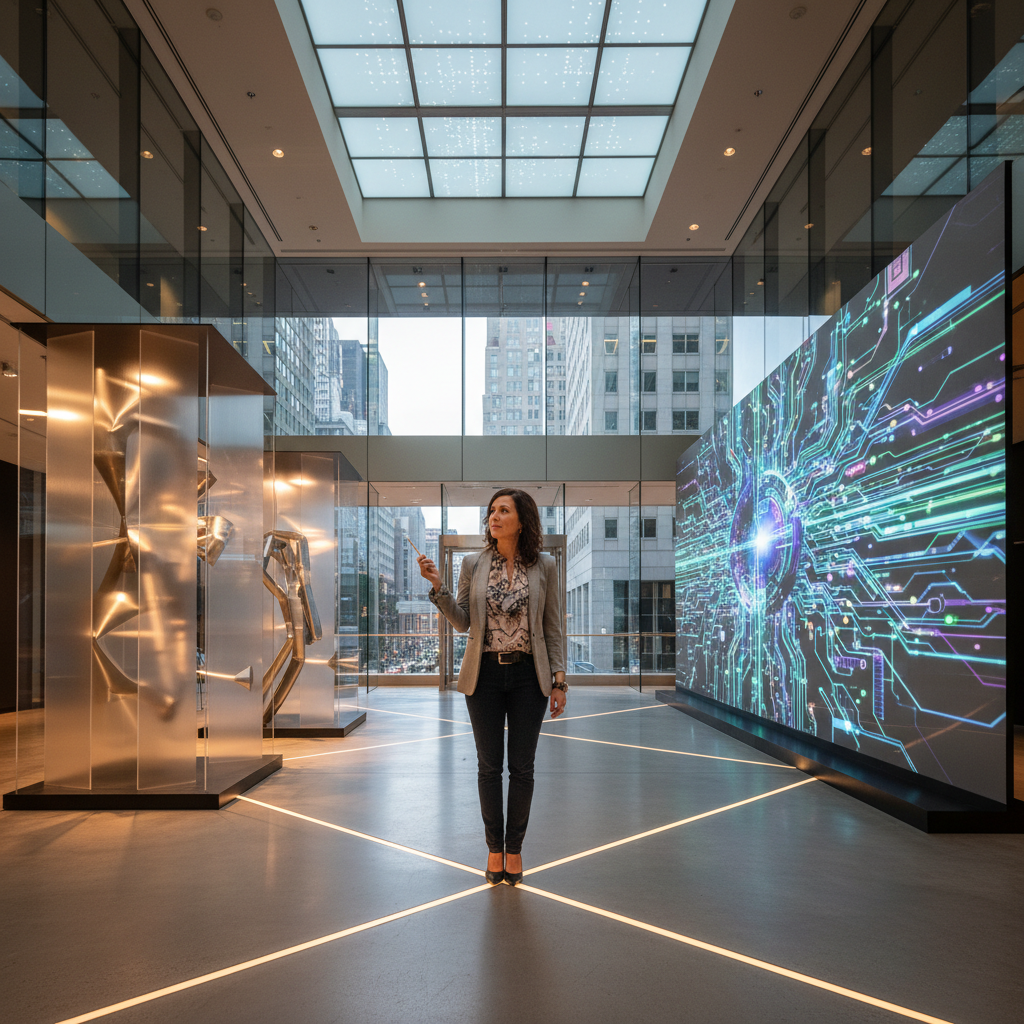
You might be an illustrator who wants drawings to respond to sound, a developer who cares as much about motion as functionality, or a teacher wondering how to bring creative coding into the classroom. Each starts with a different skill set, but all face the same question: where can art and technology become a meaningful practice rather than an interesting combination of tools?
The answer rarely begins with choosing a job title or buying expensive equipment. It begins with deciding what you want people to see, feel, understand, or do, and then learning enough of another discipline to make that experience possible.
This article takes a 2019 perspective; tools and interfaces may have changed since then.
What the Intersection Actually Looks Like
Art and technology have a long shared history. Photography, cinema, electronic music, and computer graphics all grew through exchanges between creative ambition and technical invention. What makes the current landscape inviting is that many production tools are accessible to individuals, small studios, and classrooms.
An artist can write a browser-based sketch without building a rendering engine. A developer can experiment with animation without joining a film studio. A small team can prototype an interactive installation using a laptop, a projector, and a modest set of sensors.
But access to tools is not the same as having a creative direction. A useful way to understand this intersection is through three relationships:
- Technology as a medium: Code, screens, sound systems, and fabrication equipment become materials for expression.
- Technology as a production method: Software helps someone draw, edit, model, compose, or manufacture an otherwise familiar kind of work.
- Technology as a subject: The work examines automation, surveillance, digital identity, or how interfaces shape behavior.
You can work in more than one relationship. A generative portrait might use code as its medium while questioning how machines classify people. A carefully designed application might use visual storytelling to make a difficult task understandable.
The important question is not whether your work looks technological. It is whether the technical choices support its purpose.
Choose a Direction, Not a Permanent Identity
“Art and technology” is too broad to serve as a learning plan. Start with a direction that gives you something specific to practice.
Digital Art, Animation, and Motion
This path suits people who enjoy composition, character, rhythm, and visual storytelling. Work might include illustration, animated sequences, 3D environments, or projection content.
Drawing fundamentals, typography, color, and timing remain valuable. Software adds production capabilities; it does not replace those foundations. Tools such as Blender, Photoshop, and After Effects support different parts of this work, so choose according to the output you want to make.
Creative Coding and Interactive Media
Creative coders use programs to produce images, sounds, systems, and experiences. An artwork might change over time, respond to visitors, or generate variations from a small set of rules.
Processing and p5.js offer approachable entry points. Physical computing can extend the work through Arduino-based sensors and controls. This direction rewards curiosity about both aesthetics and system behavior: what happens when a rule repeats, a participant interrupts it, or an input becomes unpredictable?
UX and UI Design
User experience and user interface design connect visual craft with research, structure, and software behavior. The goal is not simply to make an application attractive. It is to help people accomplish something with clarity and confidence.
You might investigate how people book appointments, organize information, or recover from errors. Sketch, Figma, and Adobe XD can help communicate interface ideas, but observation and testing are just as important as the prototype.
If you enjoy asking why something is confusing, and then improving it, this may be a stronger fit than purely image-based work.
Games and Immersive Experiences
Games bring together visual art, sound, narrative, rules, and programming. Game design focuses on player decisions and system behavior; game art focuses on assets and visual worlds. Technical artists often work between art production and engineering, helping assets function within performance constraints.
Unity and Unreal Engine can support interactive and immersive projects, but a small 2D game is often a better first project than a large virtual world.
VR also invites experimentation in education and healthcare. However, making an expressive VR experience does not qualify someone to provide art therapy. Clinical practice requires appropriate professional training and may be regulated. Therapeutic claims need evidence and qualified collaborators.
How to Find Your Place: Six Practical Steps
1. Start With Experiences You Want to Create
Before choosing software, list three experiences that interest you. Keep them concrete:
- Help museum visitors explore an overlooked detail in a painting.
- Turn a poem into an interactive sequence of text and sound.
- Make a complicated public-service form easier to complete.
Next, identify what attracts you to each: visual expression, storytelling, human behavior, system design, or physical interaction.
This separates genuine interests from enthusiasm for a fashionable tool. If the project loses its appeal when you remove the headset or sensor, ask whether the technology is carrying too much of the idea.
2. Map Your Strengths and One Learning Gap
Create three short lists: what you can already do, what you want to learn, and what you would rather do with a collaborator.
An illustrator might bring composition and narrative but need basic JavaScript. A developer might understand input handling but need practice with hierarchy and typography. A teacher might contribute facilitation and curriculum design while seeking help with hardware.
Choose one primary gap for your first project. Trying to learn programming, 3D modeling, electronics, and sound design simultaneously makes it difficult to tell why something is not working.
Aim for depth in one area and working literacy in adjacent ones. You do not need to master every discipline to contribute meaningfully.
3. Build a Small, Complete Experiment
Write a one-sentence brief, define a finished output, and set a short deadline. For example: “Create a browser sketch in which moving the pointer changes the mood of a field of circles.”
A first p5.js experiment could look like this. Paste it into the p5.js Web Editor, which supplies the library and page setup:
function setup() {
  createCanvas(600, 400);
  noStroke();
}

function draw() {
  background(20, 24, 36);

  const pointerX = constrain(mouseX, 0, width);
  const diameter = map(pointerX, 0, width, 8, 36);

  for (let y = 30; y < height; y += 40) {
    for (let x = 30; x < width; x += 40) {
      fill(100, 180, 220, 180);
      ellipse(x, y, diameter, diameter);
    }
  }
}
The code is deliberately simple. Its value is that it gives you an immediate relationship between an action and a visual result. Change the spacing, palette, or mapping and observe how the experience changes.
Then ask a creative question: does increasing density suggest energy, tension, or crowding? That question turns a programming exercise into an artistic investigation.
4. Test With People Outside Your Discipline
Show the experiment before you consider it polished. Ask a few people to use it without a full explanation.
Observe what they notice, what they attempt, and where they hesitate. Ask “What did you expect to happen?” rather than “Did you like it?”
For an artwork, ambiguity may be intentional. Confusion about whether it works usually is not. For an interface, successful task completion matters more than whether viewers admire the animation.
Test the actual setting, too. A projection that looks vivid in a dark studio may disappear in a bright classroom. A pointer-based interaction needs an alternative if the intended audience uses touch or keyboard input.
5. Document Decisions, Not Just the Result
Build a short case study around the project:
- The question or brief.
- Your role and any collaborators’ contributions.
- Early sketches and technical experiments.
- What testing revealed.
- What you changed and why.
- The final result and remaining limitations.
For interactive work, include a short recording and explanatory images. A live demo is useful, but browsers, dependencies, and hosting can change. Documentation lets someone understand the work even when they cannot run it.
Credit libraries, source material, and collaborators. Check licenses before publishing assets or code. Clear attribution is part of professional practice, not an optional finishing touch.
6. Use the Project to Find Your Next Opportunity
Bring a specific project to a local meetup, workshop, critique group, or game jam. “I am exploring how visitors understand this interaction” gives people more to respond to than a general request to network.
Look for reciprocal relationships. Offer visual feedback, testing, documentation, or coding help in exchange for expertise you lack. In classrooms, let students explain their discoveries to peers; teaching a technique often exposes gaps in understanding.
After each project, decide what to deepen, what to leave behind, and whom to learn from next. Your place develops through repeated work and feedback, not a single declaration of identity.
Common Pitfalls to Avoid
Collecting tools instead of completing work. Switching software can feel productive while postponing difficult creative decisions. Finish one small project before changing your entire workflow.
Mistaking complexity for quality. More sensors, effects, or layers do not necessarily create a stronger experience. Remove anything that does not support the central idea.
Ignoring access and consent. Consider readable text, contrast, motion sensitivity, and alternatives to precise gestures. If an installation records visitors or collects personal information, explain what happens and minimize collection.
Underestimating maintenance. Interactive work needs setup instructions, backups, and a recovery plan. Test what happens when a device disconnects or an internet connection fails.
Presenting exploration as proven impact. A promising classroom prototype is not evidence of improved learning, just as an immersive relaxation experience is not proof of therapeutic benefit. Describe what you observed and distinguish it from what you hope to achieve.
Takeaway
You do not have to choose between being an artist and being a technical person. Start with a meaningful question, make a small complete response, and learn from how others encounter it. The most useful place at this intersection is one where your existing strengths matter, and where another discipline helps you express something you could not express alone.
Conversation (0)
No comments yet. Start the conversation.
Join the conversation
Create a free member account to comment.