Headless WordPress with modern front ends
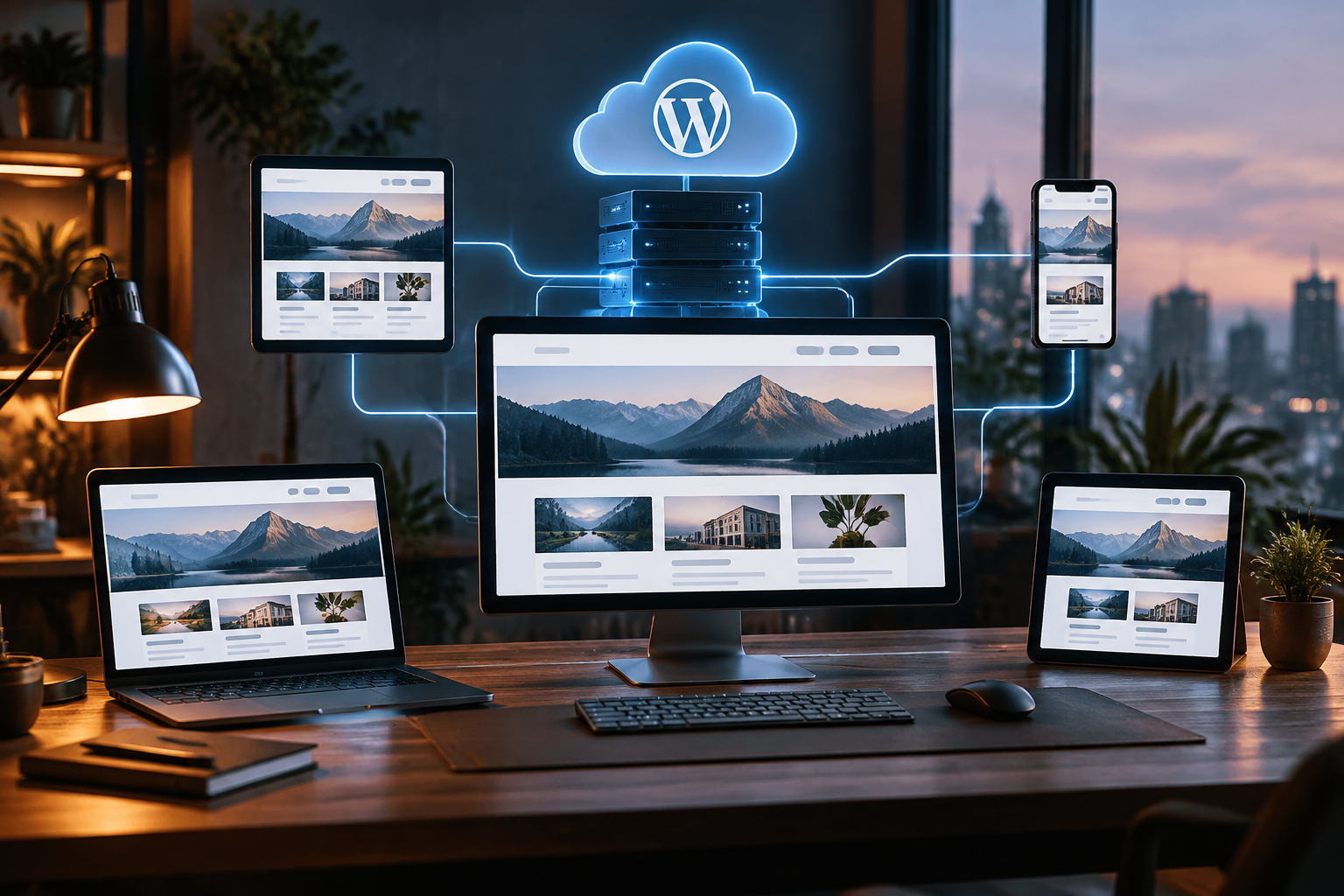
Headless WordPress with modern front ends
By Marco Lopes · December 19, 2023 · WordPress & CMS
WordPress can be an excellent publishing system without also being the system that renders every page. With a headless architecture, we keep its familiar editorial tools and build the public experience separately, using a modern front-end framework.
At Kordspace, we work as a remote collaborative software, AI, Web3, hardware and design studio. Across those disciplines, we favour architecture that solves a real problem rather than architecture that merely looks modern. Headless WordPress fits that philosophy when content management and presentation genuinely need different tools.
The separation gives us flexibility, but it also creates responsibilities. Previews, redirects, search, caching and deployments no longer arrive as one tightly integrated package. Here is how we approach those trade-offs as of December 2023.
What headless WordPress actually means
In a conventional WordPress website, WordPress stores content, provides the administration interface and renders pages through a theme. In a headless setup, it still manages content, but a separate application retrieves that content through an API and renders the public website.
That application might use Next.js, Nuxt, Astro or another framework. It can generate pages ahead of time, render them when requested, or combine approaches across different routes.
The important distinction is not React versus PHP. It is the boundary between publishing and presentation. We define a content contract that both sides understand, then allow each side to evolve within it.
WordPress remains a running application requiring updates, backups and operational care. Headless does not turn it into a maintenance-free database.
When we recommend it, and when we do not
We consider headless WordPress when a team likes WordPress editing but needs a highly customised interface, multiple publishing destinations, or closer integration with an existing application. It can also work well when most public pages are cacheable and interactive features occupy clearly defined areas.
We are more cautious when a site depends heavily on theme-specific page builders, front-end plugin output, or an editorial team’s ability to change layouts without development support.
A well-built conventional WordPress site can already be fast, accessible and pleasant to maintain. Replacing its theme with a JavaScript application does not automatically improve any of those qualities.
Before choosing headless, we ask what the separation enables, who will maintain both systems, and how editors will complete their everyday tasks. If the answers are vague, we usually simplify the proposal rather than add another platform.
Choosing a front end around the workload
We choose a framework according to the content and interaction model, not a universal ranking.
- Next.js: A strong option for React-based teams combining content pages with application features. We plan server rendering, static generation and cache behaviour explicitly, especially when using the App Router.
- Nuxt: A natural fit for Vue teams that want server rendering and a structured application framework.
- Astro: Worth considering for content-led websites where we want mostly static HTML and selectively hydrated interactive components.
We also consider the team that will inherit the code. A theoretically elegant stack is a poor choice if routine changes require unfamiliar infrastructure or specialist knowledge.
Our baseline is useful HTML delivered before client-side JavaScript runs. We add browser-side interactivity where it benefits the experience, rather than fetching every article after an empty shell has loaded.
Model content before building components
The easiest headless mistake is treating every page as an unrestricted blob of markup. That preserves short-term flexibility but makes layout, accessibility and reuse harder to control.
We begin with a content inventory: articles, people, services, categories, reusable calls to action and any project-specific entities. We distinguish structured fields from rich text and document which fields are required.
WordPress custom post types, taxonomies and registered metadata can support this model. Where we use custom-field tooling, we verify how those fields become available through the chosen API.
For block-based content, we decide whether to render WordPress-generated HTML, map supported blocks to front-end components, or combine the two. Custom blocks need an explicit rendering strategy; their editor appearance alone does not guarantee that a separate front end can reproduce them.
REST or GraphQL: define a dependable contract
WordPress includes a REST API, making it a sensible starting point. We can request posts, pages and other exposed resources without introducing a GraphQL layer. Custom content and metadata still need appropriate registration, permissions and API exposure.
WPGraphQL provides a plugin-based alternative. Its schema can be useful when pages require related content and we want to request specific fields in one query. It is not part of WordPress core, so its compatibility and update lifecycle become part of our maintenance plan.
Neither option removes the need for careful API design. We specify pagination, error handling, image data, relationships and the difference between missing content and an unavailable backend.
We keep WordPress access behind a small data-access layer in the front-end codebase. That gives us one place to normalise responses, apply timeouts and handle failures rather than scattering API assumptions throughout components.
Rendering and caching need a publishing plan
For public editorial content, we usually prefer static output or cached server rendering over a fresh WordPress request for every visitor. This reduces dependence on origin response times and can keep cached pages available during brief backend interruptions.
The harder question is freshness. We agree with editors on what should happen after publishing, updating, unpublishing or scheduling an article.
A small website might rebuild after changes. A larger site may need targeted revalidation. Where the framework supports it, a WordPress hook can notify a protected front-end endpoint to invalidate relevant content.
We account for dependencies: changing an article may affect its URL, category listings, homepage cards and feeds. We also distinguish application caches from CDN caches; invalidating one does not necessarily clear the other.
We treat webhooks as fallible delivery mechanisms, with logging, retries and a recovery path when an update does not appear.
Make previews work before editors need them
A polished public website is not enough if editors cannot reliably preview a draft. We build the preview workflow early, because it touches authentication, routing and caching at once.
A typical flow starts in WordPress, opens a protected front-end preview route, validates a short-lived signed request and establishes a preview session. The front-end server then retrieves authorised draft content through an appropriate authenticated API connection.
We keep credentials on the server and ensure draft responses never enter public caches. Preview sessions should expire, and editors need a clear way to return to the published version.
We test revisions, unpublished pages, changed slugs and scheduled posts, not just a brand-new draft. We also check whether previews actually show the latest saved revision. That detail can otherwise undermine trust in the entire editing workflow.
Hosting with Google Cloud as our default
Google Cloud is our preferred starting point, although we also work with AWS and Azure when an organisation’s existing environment makes them a better fit.
For a server-rendered front end, Cloud Run can provide a managed container runtime. For static output, we can use a suitable static hosting service such as Firebase Hosting, depending on routing and deployment requirements.
WordPress needs its own hosting decision. We may use managed WordPress hosting rather than operate it ourselves. If we run it on Google Cloud, we plan the application runtime, Cloud SQL for MySQL, persistent media storage, backups and administration access together.
Cloud Run’s writable container filesystem is not persistent storage. Running WordPress there requires deliberate handling of uploads, plugin and theme changes, and scheduled tasks. Cloud Storage can hold media through an appropriate integration, but it is not a drop-in substitute for every filesystem expectation.
We choose the smallest operational footprint the project can responsibly support.
SEO and accessibility still need implementation
Headless does not make a website search-friendly by default. We render meaningful page content and metadata on the server or at build time, then verify the resulting HTML.
Our implementation covers titles, descriptions, canonical URLs, social sharing metadata, sitemaps and structured data where relevant. An SEO plugin may help editors manage fields, but we still need to expose those values and render them in the separate front end.
We establish one public URL strategy. The WordPress origin should not accidentally compete with the public site as an indexable copy. Redirects, trailing slashes, pagination and missing pages all need consistent handling, including correct HTTP status codes.
Accessibility belongs in the component system: semantic headings, keyboard navigation, visible focus states and usable forms. We also preserve editorial image descriptions and supply responsive image sizes rather than shipping oversized originals everywhere.
Security does not stop at the hidden admin
Separating the public interface from WordPress can reduce some exposure, but the backend still exists. We continue patching core, themes and plugins, restrict unnecessary access, and use least-privilege accounts.
Public content APIs should expose only intended public data. Draft access, preview endpoints and revalidation hooks need appropriate authorisation. CORS configuration is not a replacement for authentication.
We store secrets outside the source repository and keep privileged tokens out of browser bundles. When rendering CMS-provided HTML, we use a clear sanitisation policy and avoid trusting arbitrary markup merely because it came from our CMS.
We also review forms, analytics and search separately. Plugins that normally inject scripts or process theme-rendered forms may not work unchanged in a headless environment.
Deliver in slices, then test the whole workflow
We prefer a thin end-to-end slice before building every page type: one article, its listing page, a draft preview and a publishing-triggered refresh. That reveals integration problems while changes are still inexpensive.
From there, we add component coverage, migration rules and operational checks. For an existing website, we inventory current URLs and preserve them where possible. Any changes receive explicit redirects rather than an assumption that search engines will work it out.
Our tests include unavailable WordPress responses, empty fields, deleted media, API pagination and cache invalidation. We monitor the public front end and the publishing path, because a healthy homepage does not prove that new content can reach production.
Before launch, we document deployments, rollbacks, backups and ownership. Remote collaboration works better when that knowledge is written down rather than concentrated in one person’s memory.
Our short launch checklist
- Confirm the content model and supported blocks.
- Verify drafts, revisions and scheduled publishing.
- Test cache invalidation and failed webhook recovery.
- Check metadata, redirects, sitemaps and status codes.
- Audit accessibility and responsive media.
- Review API permissions, secrets and public exposure.
- Test backups, rollback procedures and monitoring.
- Give editors a documented publishing workflow.
Headless WordPress works best when we treat it as a complete publishing product, not just a front-end rewrite. If we can help shape that product with your team, start a project, or explore our related services pages to see how we approach design, development and infrastructure.
Conversation (0)
No comments yet. Start the conversation.
Join the conversation
Create a free member account to comment.