Kotlin and Swift native apps: when cross-platform is not enough
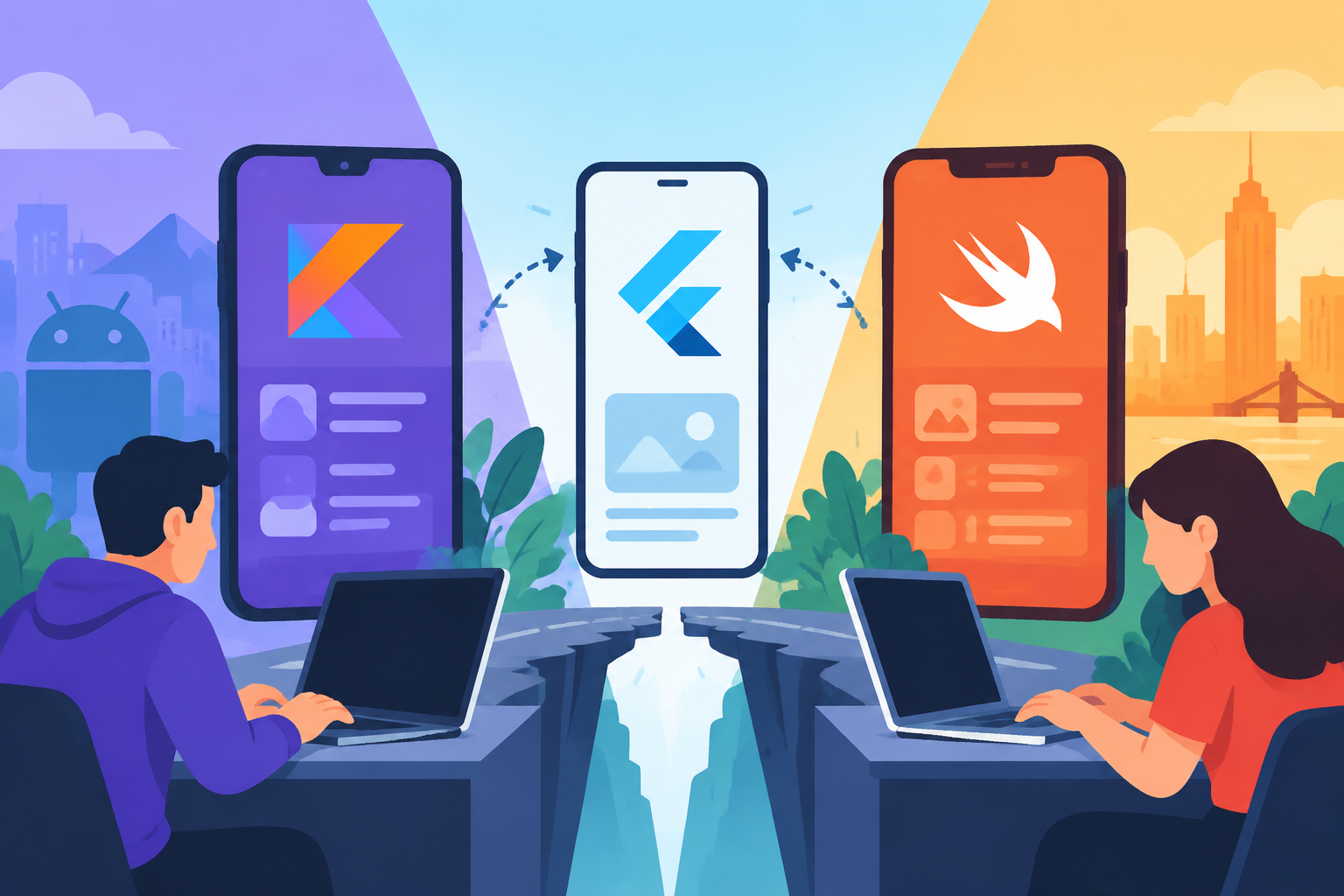
Kotlin and Swift native apps: when cross-platform is not enough
By Marco Lopes · Published November 4, 2024
Topic: Mobile & Flutter
At Kordspace, we like sharing code when it makes products easier to build and maintain. Flutter can give us a coherent interface, a productive development loop, and substantial reuse across Android and iOS. For many applications, that is a strong starting point.
But shared code is not the same thing as shared complexity. When a product depends on deep operating-system integration, demanding media workloads, connected hardware, or distinctly platform-specific interactions, we can spend more effort maintaining the abstraction than benefiting from it.
We work as a remote collaborative software, AI, Web3, hardware, and design studio. That combination regularly brings us to the boundary between an application and the device underneath it. Here is how we decide when Kotlin for Android and Swift for iOS deserve the investment, and when Flutter remains the better choice.
We start with constraints, not language preferences
The useful question is not whether native development is inherently better. We ask which architecture leaves the least risky work between the product idea and a dependable experience.
We begin by mapping the critical journeys. Signing in, browsing content, completing a purchase, and editing a profile are different engineering problems from recording multichannel audio, controlling a Bluetooth accessory, or navigating while a screen is locked.
Then we separate requirements into three groups:
- Shared product logic: validation, business rules, content models, and service contracts.
- Platform-sensitive experiences: navigation, permissions, accessibility, widgets, and background behavior.
- Device-critical capabilities: camera pipelines, low-latency audio, sensors, secure storage, and hardware communication.
A large third group does not automatically rule out Flutter. It does tell us where to prototype first. We would rather discover a difficult dependency before building the easy screens around it.
Native becomes valuable when integration is the product
Cross-platform frameworks reach platform capabilities through plugins and native interoperation. That model works well when the necessary integrations are mature, maintained, and aligned with our requirements.
The calculation changes when the integration itself is our differentiator.
For a connected-device application, we may need precise control over Bluetooth discovery, reconnection, firmware transfer, and recovery after interruption. Android and iOS expose different APIs and lifecycle rules. A common interface can organize that work, but it cannot remove those differences.
The same applies to health data, camera processing, extensions, and background transfers. In these cases, Kotlin and Swift give us direct access to platform APIs, documentation, diagnostics, and supported implementation patterns.
We still investigate restrictions before promising features. Native code does not grant unlimited background execution or bypass permissions, entitlements, or store policies. An operating-system limitation remains a limitation regardless of the framework.
Our practical test is simple: if we expect to maintain substantial native integration code anyway, we compare a native application against Flutter plus that ongoing integration layer, not against an imagined codebase with no platform-specific work.
Platform feel can be a functional requirement
Visual consistency is useful, but identical screens are not always the best experience.
Android and iOS users bring different expectations around navigation, back behavior, system controls, text selection, and interaction patterns. Those differences become especially important in applications people use frequently or under pressure.
On Android, we can build with Kotlin and Jetpack Compose while integrating existing Views where necessary. On iOS, we can use Swift and SwiftUI, reaching for UIKit when a particular interaction or existing component calls for it.
These choices do not make good design automatic. We still need deliberate information architecture, responsive layouts, and testing with assistive technologies. Native components can reduce some integration work, but custom native interfaces can still be inaccessible.
We test large text, screen readers, focus order, reduced motion, and external input early. Flutter can support accessible experiences too; we choose based on the behavior we need and the effort required to verify it.
Performance decisions need measurements
We avoid choosing native simply because someone says it is faster. A poorly structured native application can perform worse than a carefully built Flutter application.
Instead, we define budgets for the journeys that matter: startup, frame delivery, memory use, battery consumption, and responsiveness during sustained work. We test representative devices, including older hardware and devices under thermal pressure.
Native development becomes attractive when we need detailed control over scheduling, memory, rendering, or data movement. Examples include real-time audio, continuous camera analysis, and complex interactions tied closely to platform media frameworks.
In Flutter, moving large payloads repeatedly through platform channels can add serialization and copying overhead. We first investigate batching, native-side processing, and other appropriate interoperation strategies. Sometimes a focused native module solves the problem without changing the application architecture.
For AI features, we measure the whole pipeline: capture, preprocessing, inference, postprocessing, and display. If inference already runs in a native library, changing the UI framework may do little for latency. We isolate the actual bottleneck before committing to a rewrite.
Flutter still belongs in the decision
Flutter remains a compelling option for products whose value mostly lives in workflows, content, and service-backed interactions.
We often favor it when Android and iOS should share a strong visual identity, the team needs to iterate across both platforms, and essential plugins have credible maintenance paths. A catalog, booking flow, internal operations tool, or account dashboard may gain little from two separate UI implementations.
We evaluate dependencies as part of architecture, not as an afterthought. For each critical plugin, we check platform coverage, recent maintenance, licensing, issue history, and whether we could realistically maintain a fork.
The right outcome can also be mixed: Flutter for most screens, native modules for specialized capabilities, or a Flutter feature embedded in an existing native application. We account for build, navigation, lifecycle, and debugging complexity before calling that a shortcut.
We can share contracts without sharing every screen
Choosing Kotlin and Swift does not require duplicating every decision.
We can share API schemas, validation specifications, design tokens, analytics definitions, test fixtures, and acceptance criteria. This keeps product behavior aligned while letting each platform present it appropriately.
Within each application, we separate presentation, domain behavior, and data access. Kotlin coroutines and Flow can support Android asynchronous work; Swift concurrency can organize corresponding iOS operations. We preserve equivalent outcomes without forcing identical internal structures.
Kotlin Multiplatform is another option worth evaluating for selected shared logic. We might share networking or domain rules while retaining native interfaces. We treat its library support, Swift-facing APIs, build setup, and debugging experience as explicit assessment points rather than assuming reuse is free.
For our remote teams, written contracts matter particularly. A short architecture decision record explaining ownership, error handling, and synchronization behavior prevents more confusion than a diagram nobody updates.
The backend choice is a separate decision
Native mobile applications do not require separate backends. We generally prefer Google Cloud when it fits the project, while also working with AWS and Azure where organizational requirements or existing infrastructure make them appropriate.
A shared backend can serve Kotlin, Swift, and Flutter clients through versioned APIs. Depending on requirements, we might use Cloud Run for application services, managed data stores for persistence, and Firebase services for selected mobile capabilities.
We design authentication, offline behavior, retries, and conflict resolution explicitly. Mobile connectivity is intermittent; a successful server write followed by a lost response must not accidentally create duplicate actions. Idempotency and clear synchronization states help.
For AI features, we decide which processing belongs on the device and which belongs in cloud services based on privacy, latency, cost, and model requirements. For Web3 features, we avoid placing privileged signing secrets in the app. We use suitable wallet authorization flows and threat-model any local key storage. Native development is no substitute for a security model.
Two codebases require an operating plan
The strongest argument against separate native applications is often operational, not technical.
We need people who understand both platforms, independent build pipelines, release preparation, device testing, and ongoing responses to SDK changes. Shared requirements still need two implementations and two rounds of platform-specific verification.
We plan around that reality rather than promising effortless feature parity. Our backlog distinguishes shared product outcomes from platform implementation tasks. Releases can ship independently when necessary, provided backend contracts remain compatible and users receive coherent functionality.
We also establish ownership for signing credentials, store access, crash monitoring, and dependency updates. Automated tests cover important business rules, while device testing verifies permissions, interruptions, background transitions, and recovery paths.
Before choosing native, we ask whether the team can sustain this work after launch. An architecture that fits the device but exceeds the maintenance budget is not a good fit for the business.
A short checklist for the decision
We use this checklist before committing:
- Core capability: Does the product depend on deep platform APIs or specialized hardware?
- Evidence: Have we reproduced the hardest workload on representative physical devices?
- Dependencies: Are essential Flutter plugins sufficient, maintainable, and replaceable?
- Experience: Do navigation, accessibility, or system integration requirements materially differ by platform?
- Performance: Have measurements identified a problem that native implementation can actually address?
- Operations: Can we fund ownership, testing, and releases for two applications?
- Scope: Could one native module solve the problem without replacing the whole app?
We document the answers and the remaining uncertainties. A decision with clear assumptions is easier to revisit than one based on framework loyalty.
We reduce risk before expanding scope
Our preferred next step is a small, production-shaped technical slice. We choose the hardest journey, connect it to a realistic backend, and test the complete path on Android and iOS.
For a hardware product, that might mean pairing, receiving data, surviving disconnection, and restoring state. For an AI camera feature, it might mean sustained capture and inference with an acceptable thermal profile. We include permissions, cancellation, failures, and diagnostics, not just the happy-path demonstration.
If an existing Flutter application is mostly working well, we first isolate the troublesome area. A native module or a redesigned data flow may be enough. When a broader migration is justified, we move in bounded stages and define how authentication, navigation, and persisted data will behave during the transition.
We choose Kotlin and Swift when direct platform control creates meaningful product value, and Flutter when shared implementation provides the better balance. Neither choice replaces careful engineering.
At Kordspace, we bring design, mobile development, cloud architecture, AI, and hardware considerations into the same conversation. If we can help turn these trade-offs into a practical delivery plan, start a project with us, or explore our related services to see how we work.
Conversation (0)
No comments yet. Start the conversation.
Join the conversation
Create a free member account to comment.